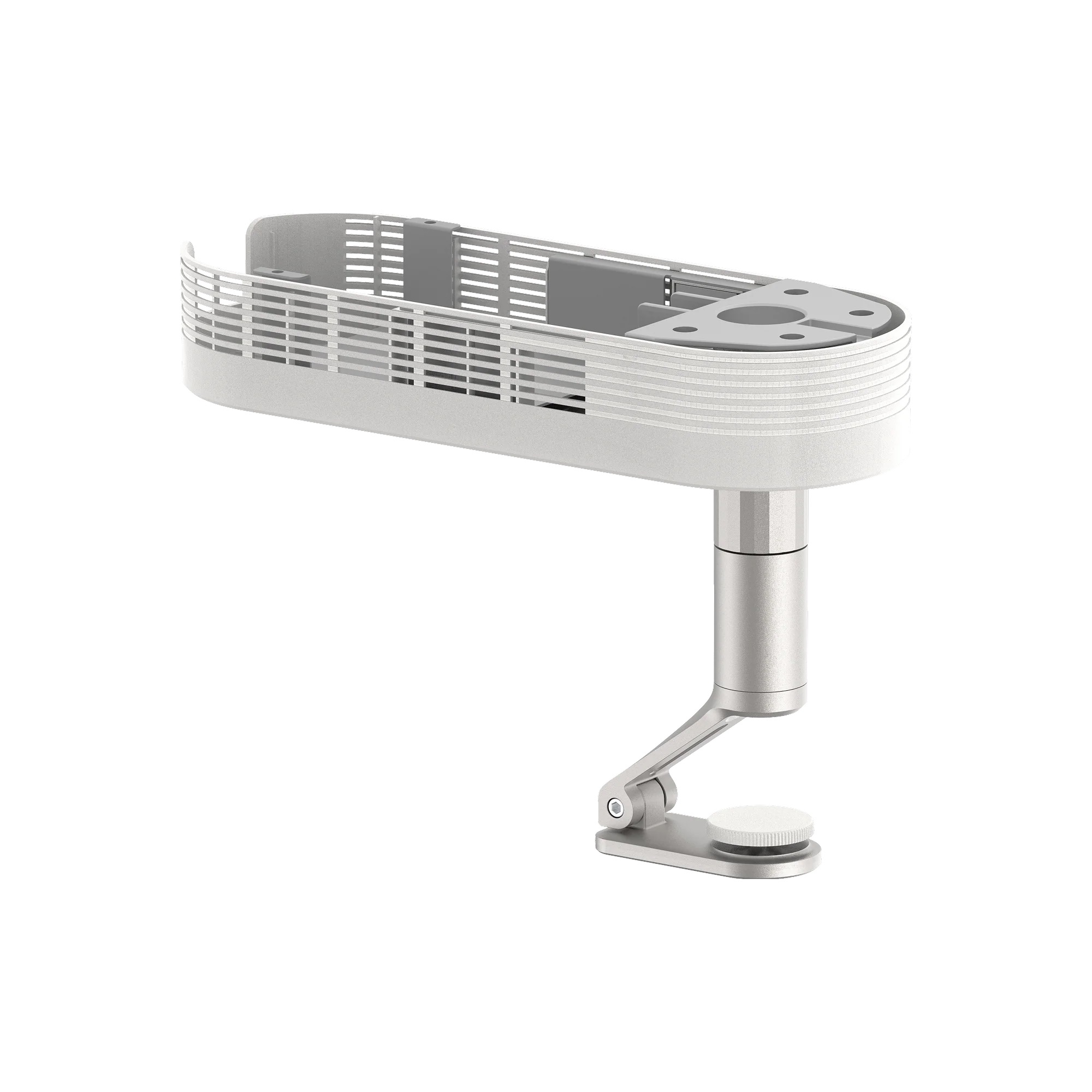
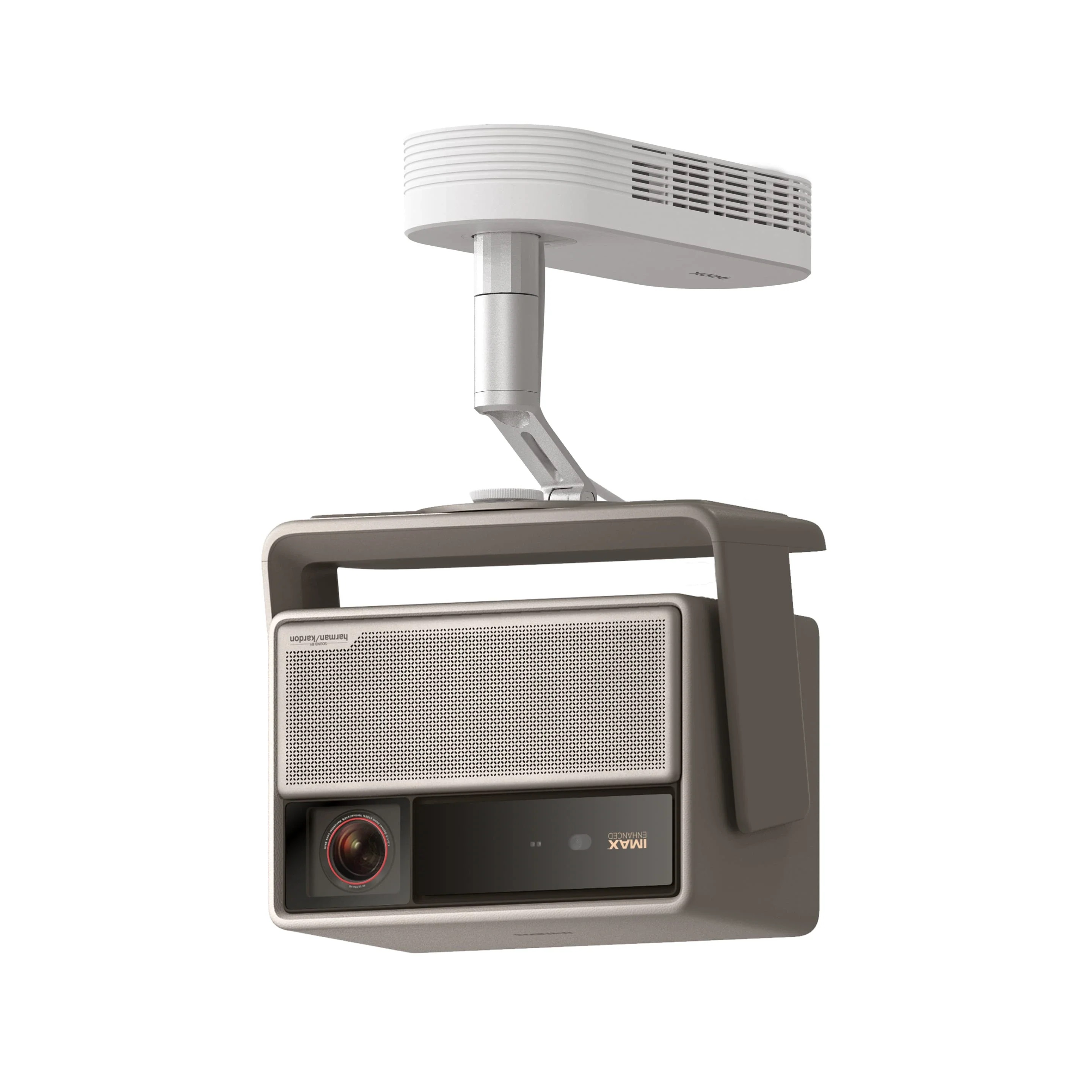
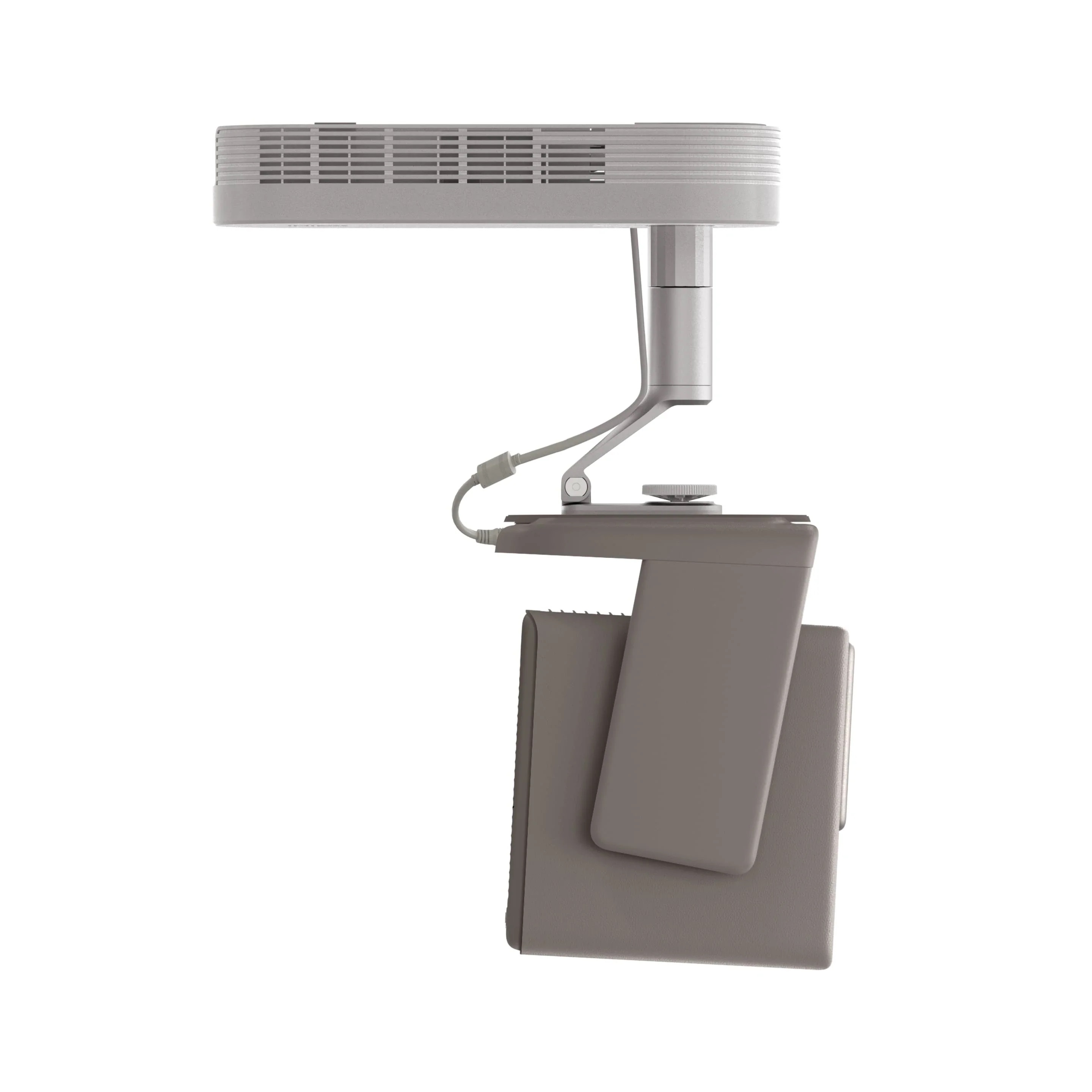
XGIMI Ceiling Mount
CHAT WITH US


OR CALL : +357 25 345 488
Installation Cost (carrying appliance via steps not included)
Due to Global Shipping Delays ask for availability and delivery timeframe before you order.
XGIMI Ceiling Mount
Designed for the XGIMI HORIZON Series
*The box only contains a ceiling mount. Projector not included.

13 lb(6kg) Max Load
Easy to Mount

Flexible Adjustment

Quality Assurance
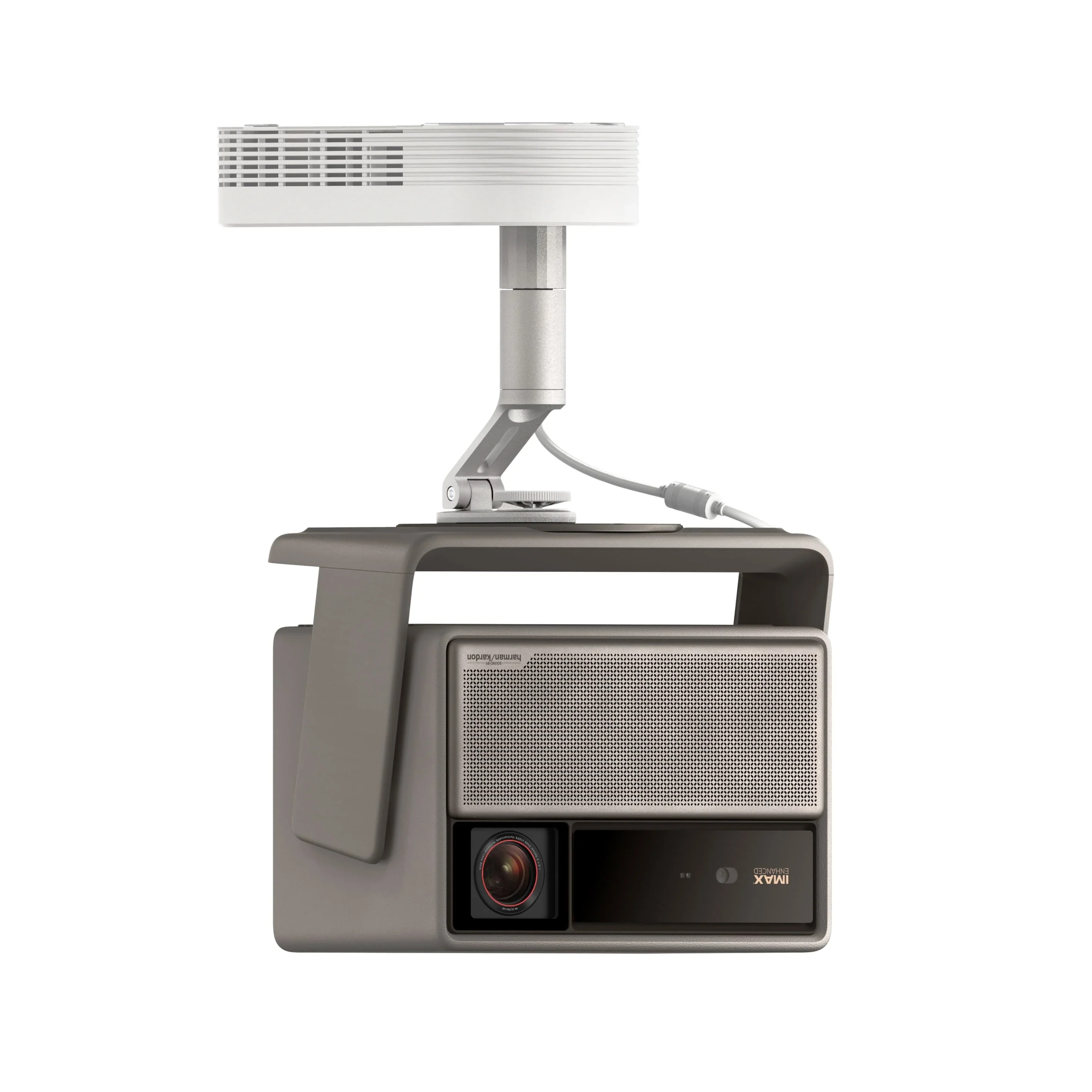
Excellent Companion for XGIMI HORIZON Series
Customized accessory for XGIMI HORIZON Series projectors under 13 lbs (6 kg); easily project high-quality images from the ceiling.
Compatibility:

HORIZON 20 Max
5.4kg (11.9 lb)
HORIZON 20 Pro
4.9 kg (10,8 lb)

HORIZON 20
4.8 kg (10,58 lb)
Hidden Storage for a Clean Appearance
Unique concealed storage solution for the power adapter and cables, ensuring a tidy overall look.
Flexible but Sturdy and Durable


Multi-directional Adjustment
The bracket offers a 12° vertical tilt adjustment for flexible alignment with your room’s installation needs.


Built to Last
The aerospace-grade aluminum construction delivers outstanding strength and durability, while a soft silicone pad cushions vibrations for a stable, clear image every time you turn on the projector.

To ensure a better user experience, please read the following notes carefully:
- Follow the 'Installation Guide' and 'Precautions' during installation and use. If the instructions are not followed, the mount or the projector could fall or topple over, causing injury or accident to occur.
- Check that the installation location's structure is concrete and strong enough before installing, and use the optimum installation method by following the 'Installation Guide'.
- Do not perform the installation on any unstable or inclined surface.
- Do not attach anything to this mount except for compatible XGIMI projectors.
- Never loosen the screws or bolts after installation. Ensure that you check for any loose screws or bolts regularly, and if any are loose, tighten them completely.
- After making angle adjustments or orientation, make sure you tighten the knobs or screws completely. For more details, see the 'Installation Guide' supplied.
- Before turning on the projector, make sure the mount is firmly secured.
- Do not cover or block the vent holes alongside the Magnetic decorative box of the mount.
- Please read and follow the instructions carefully to use the installation mounts and the projector safely. Incorrect handling that ignores instructions in this guide could damage this product or result in personal injury or property damage.
- The adapter shown is for illustration only. Actual color and design may vary by projector model. Please refer to the adapter included for the specific projector.
Mounting Hardware Kit × 1
(Expansion pipe × 2, Self-tapping screws × 2, Metal expansion screw assembly × 4, Hex key × 1;)
User Manual × 1